lightdash.com — design breakdown

Dev Tools · Technical

Open source BI with clear data visualization. BI dashboards, data viz greens, open-source clarity. This page breaks down the measurable design decisions behind the site — the extracted color palette, typography, tone of voice — and generates a complete vibe-coding prompt that recreates the same design language in Lovable, Cursor or v0.
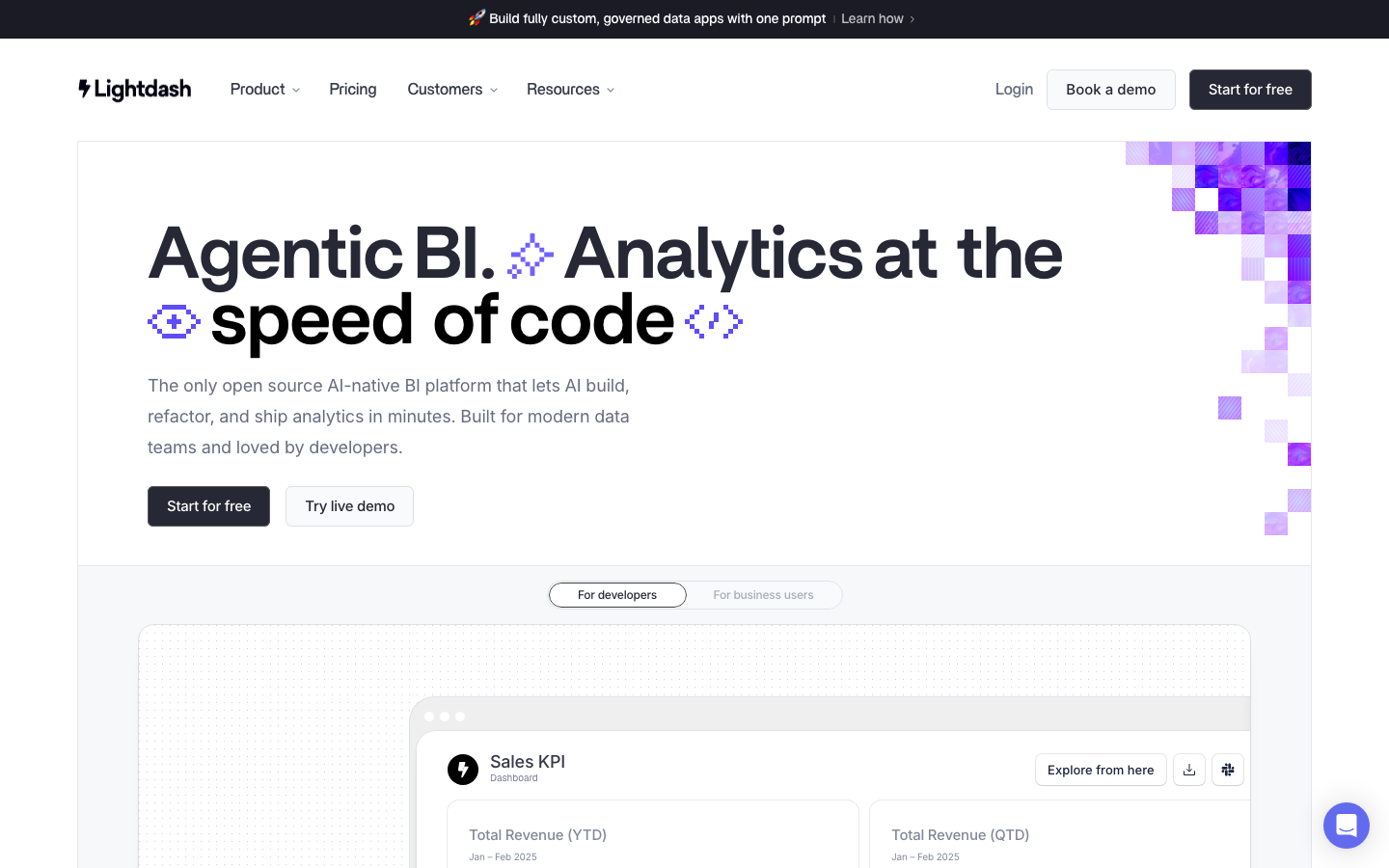
Screenshot of the lightdash.com homepage — Dev Tools web design example
The lightdash.com front page as captured for the Norrly library.

Color palette

The dominant colors extracted from the live site:

#ffffff#181830#606078#d8d8d8#a8a8a8

Typography & voice

Heading fontBritti Sans Trial Semibold
Body fontBritti Sans Medium
Hero headline“What modern BI should look like”
CategoryDev Tools

Voice: precise and no-fluff, speaks to experts. Hero headline: “What modern BI should look like”

What lightdash.com does well

Apply it to your own project

The vibe-coding prompt

Norrly generates a complete founding prompt from the measured values above — theme, exact hex colors, type scale, button geometry, section structure, motion rules and hard constraints. Paste it into Lovable, Cursor, v0 or Bolt to start from lightdash.com's design language instead of AI defaults. A preview:

You are a world-class web designer + frontend engineer. Build an original single-page landing page in the exact design language of lightdash.com (dev tools — Open source BI with clear data visualization.) Do NOT clone their content or logo; recreate the FEEL. Every token below was measured from the live site — follow them precisely, they are the product.

Stack: React + Tailwind CSS (works in Lovable, v0, Bolt or Cursor as-is). Single page, production quality, fully responsive.

━━━ 1. DESIGN SPEC (measured tokens — the source of truth) ━━━

THEME & MOOD
- Light theme: the page lives on #ffffff; dark text; whitespace creates hierarchy.
- Personality: BI dashboards, data viz greens, open-source clarity. In two words: Technical.
- Reference anchor: think “lightdash.com” — BI dashboards. Combine this reference with the exact values below (reference alone is vague, values alone lack character).

COLORS
- Page background: #ffffff
- Body text: #000000
- Accent (CTAs, links, ONE highlight per viewport — nothing else): #181830
- Inline link color: #666d80
Get the full prompt in the library →

The library includes a 15-second scroll recording, three screenshots, the full measured token set and the complete prompt for lightdash.com and 350+ more sites. 5 sites are free to explore.

Similar styles

Technical design

Related design breakdowns

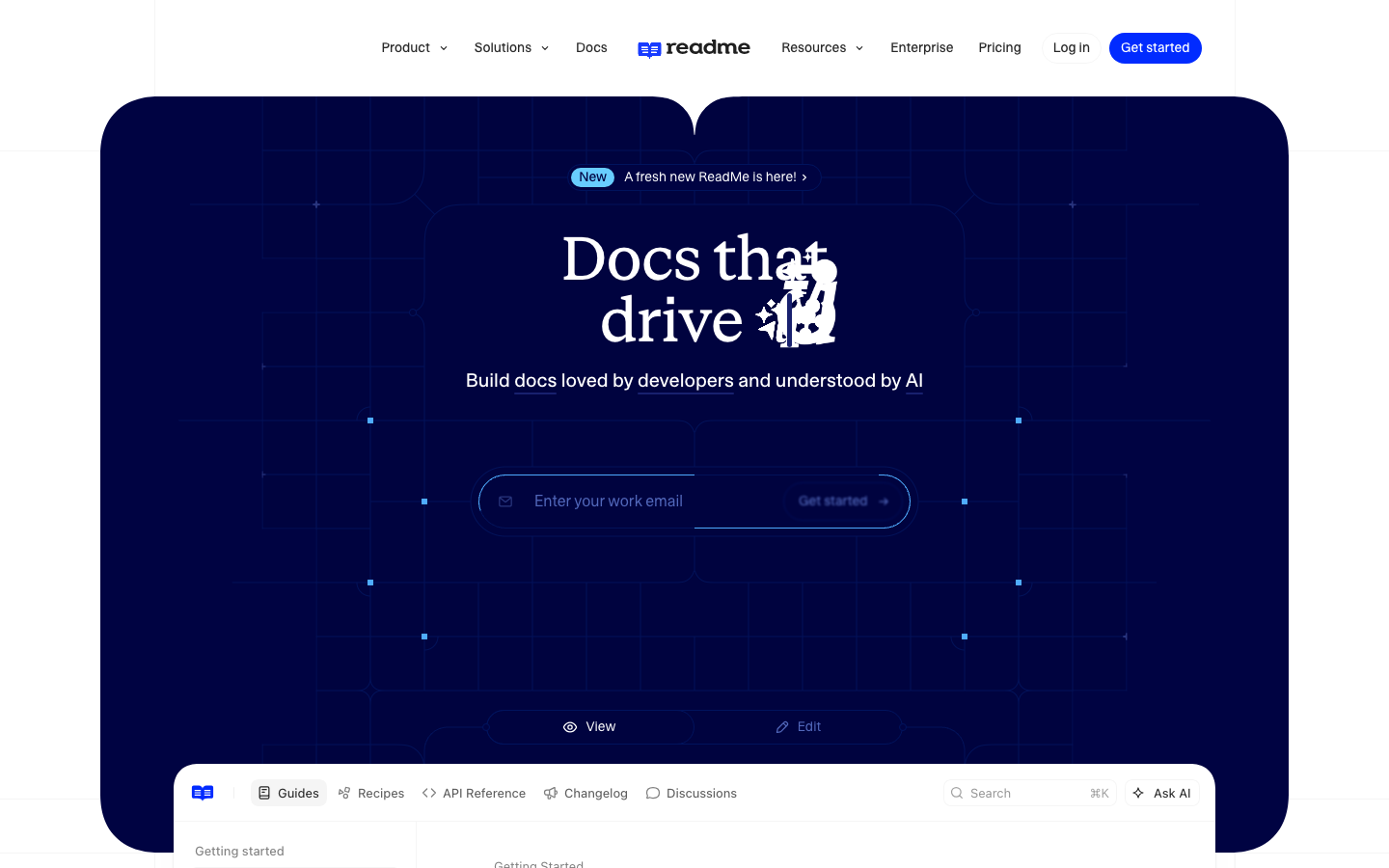
Screenshot of readme.com — Dev Tools website design
readme.com
Dev Tools · Playful, Illustration
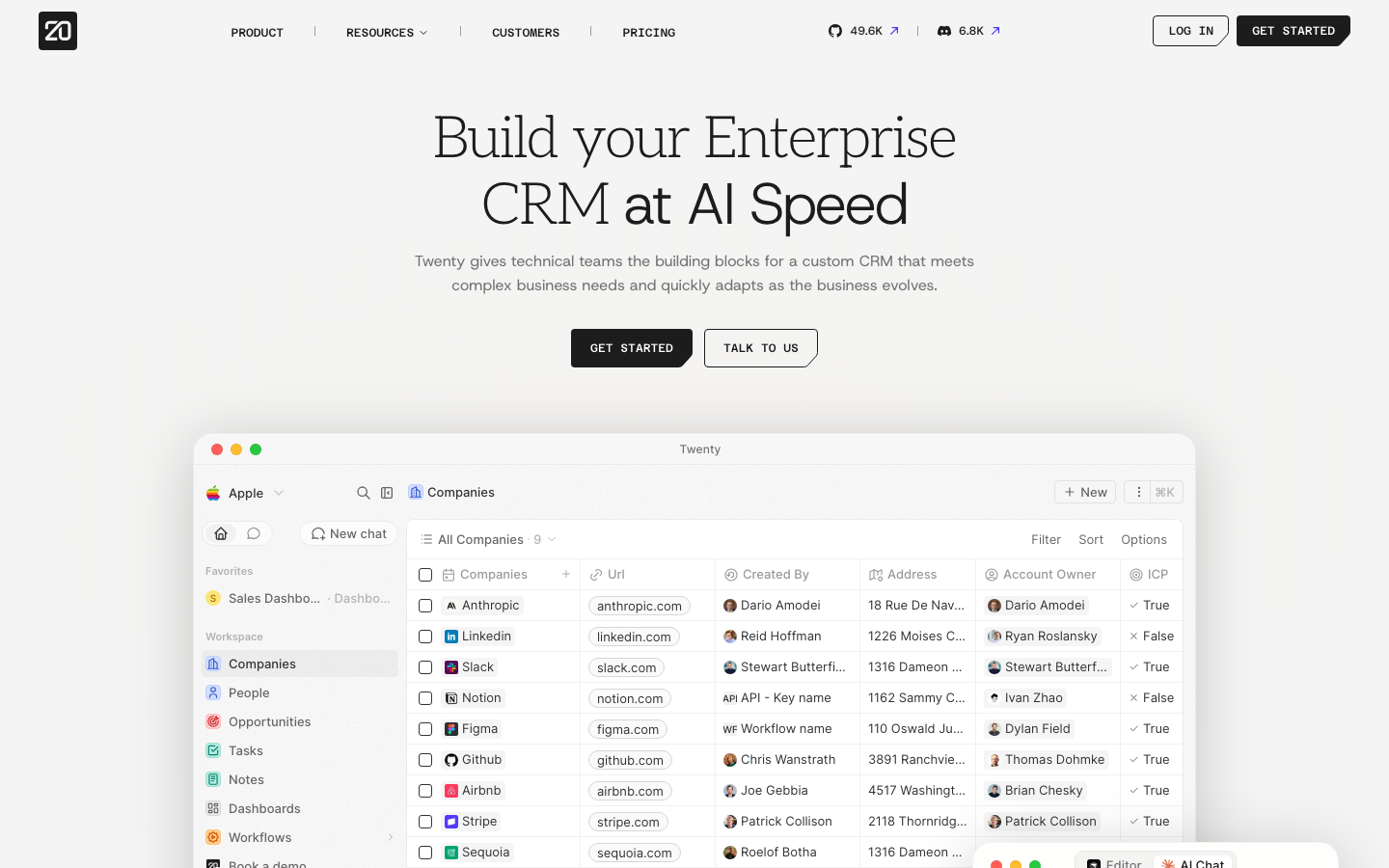
Screenshot of twenty.com — Dev Tools website design
twenty.com
Dev Tools · Minimal
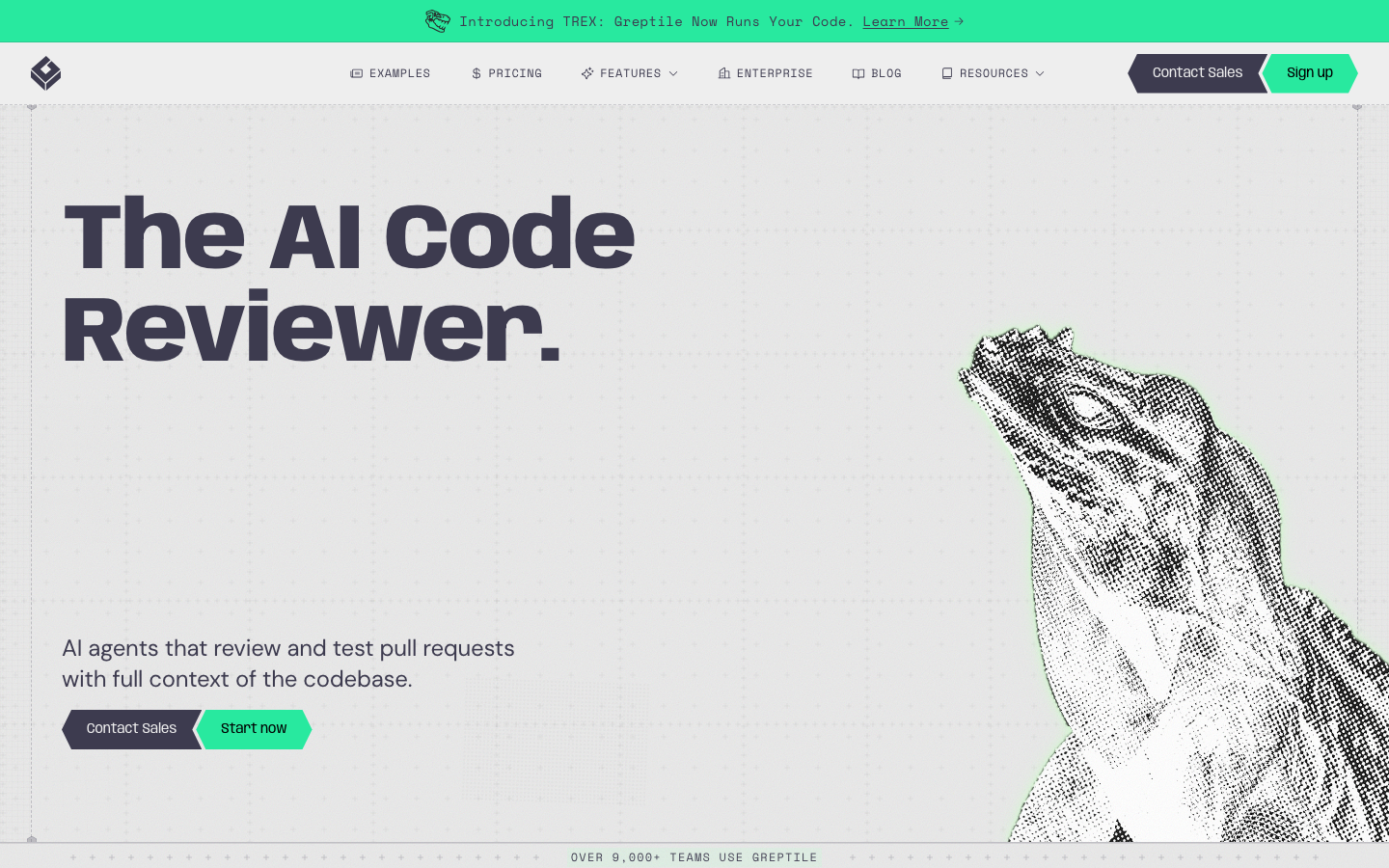
Screenshot of greptile.com — Dev Tools website design
greptile.com
Dev Tools · Dark, Typography
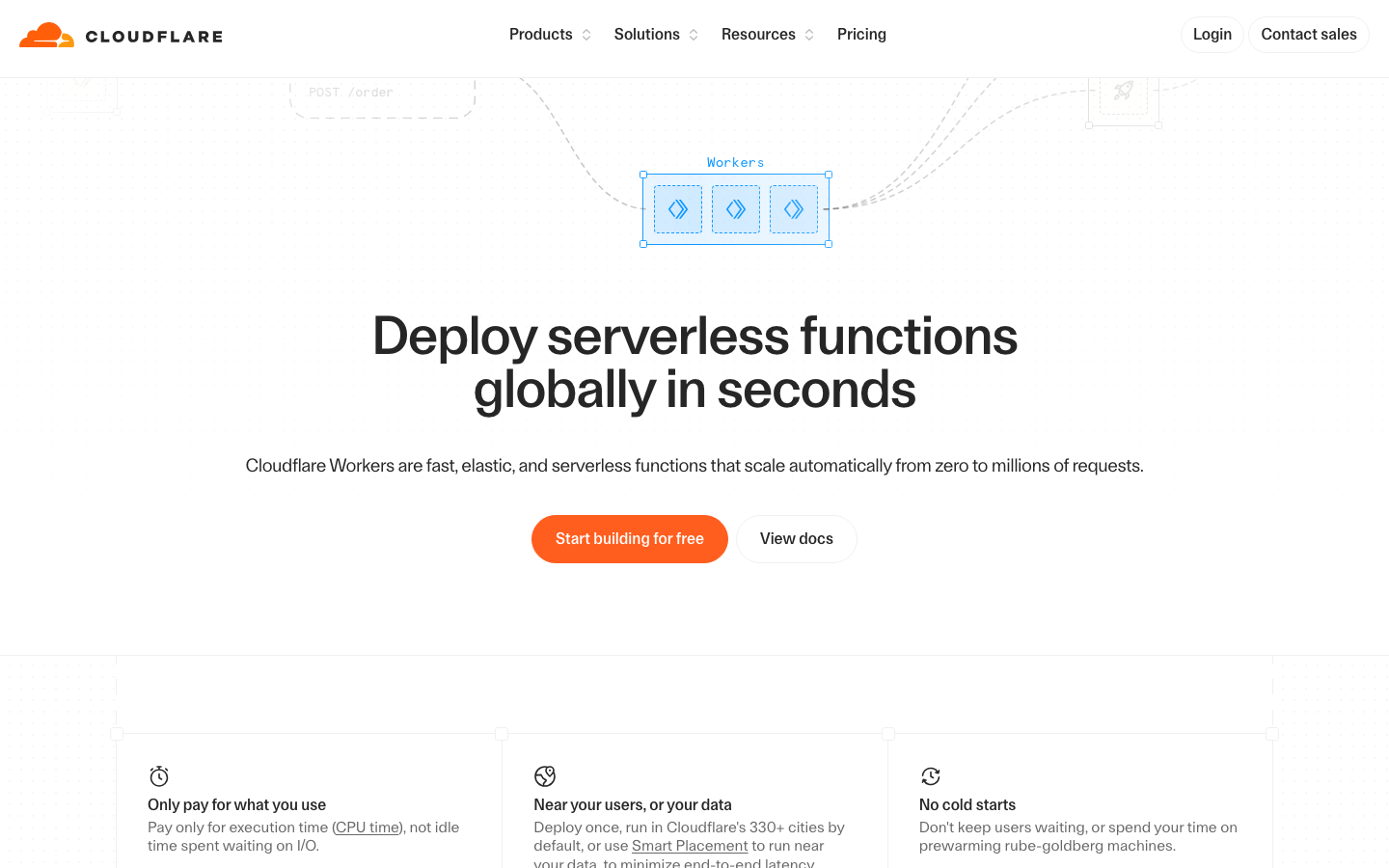
Screenshot of cloudflare.com — Dev Tools website design
cloudflare.com
Dev Tools · Colorful, Technical
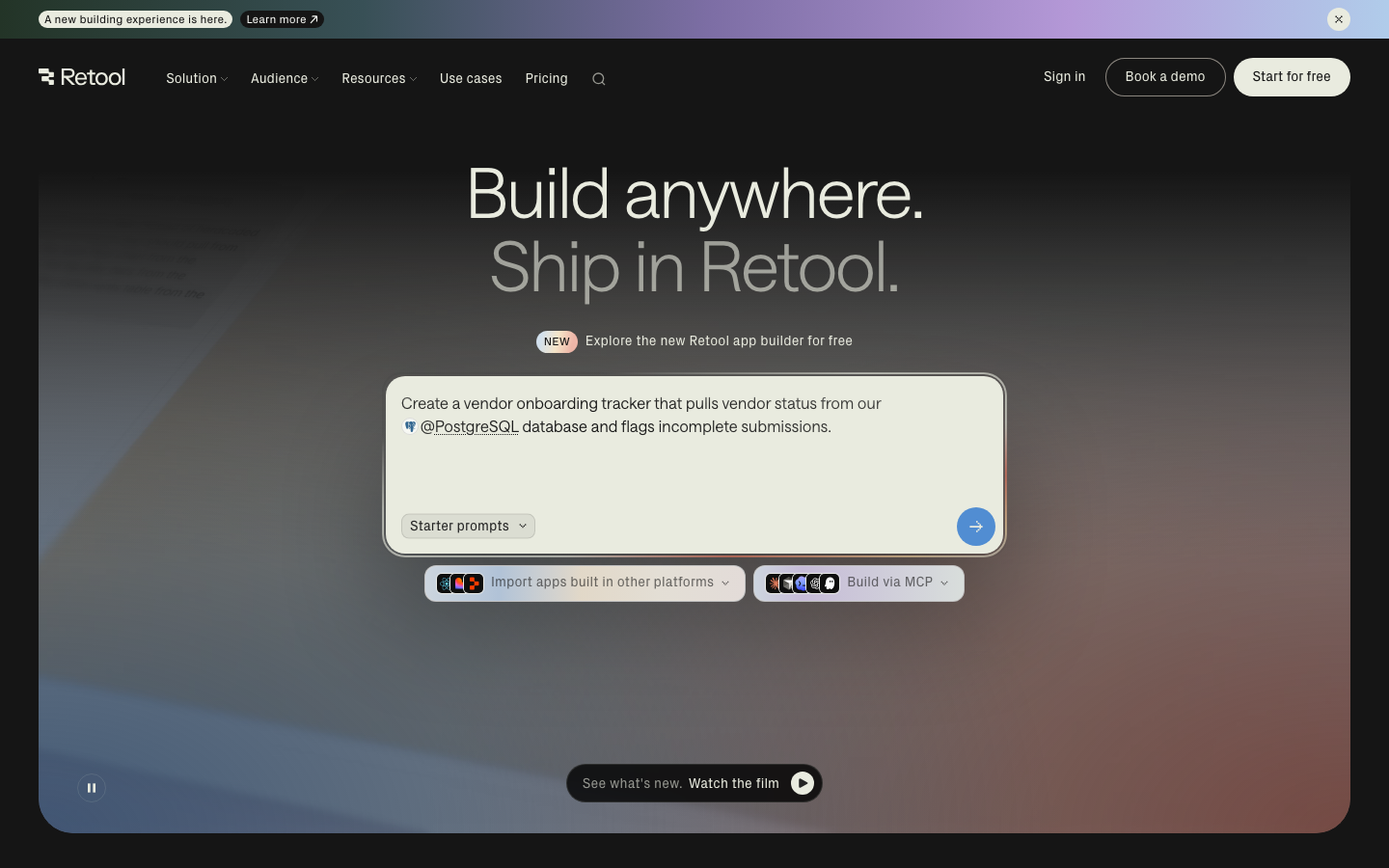
Screenshot of retool.com — Dev Tools website design
retool.com
Dev Tools · Dark
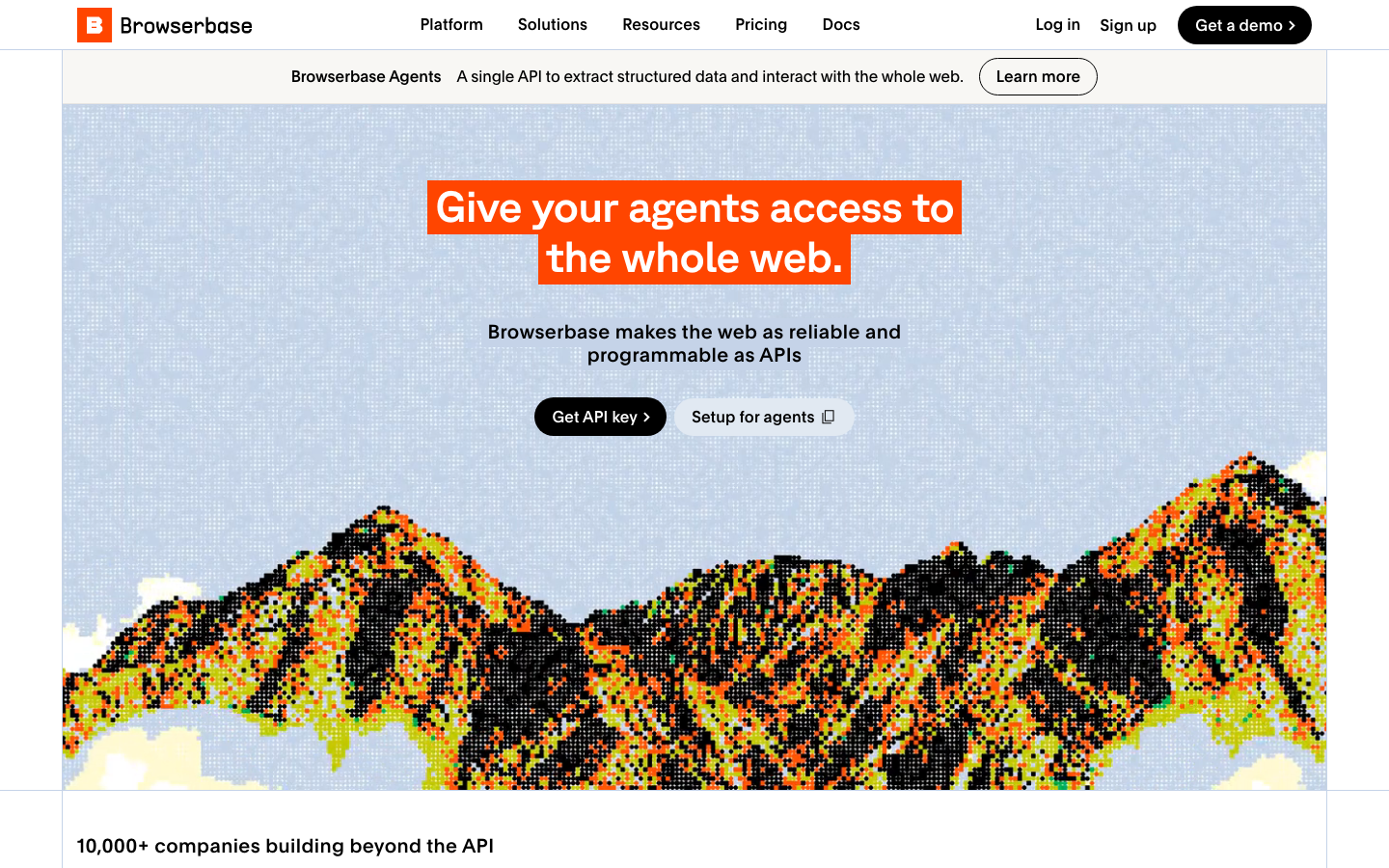
Screenshot of browserbase.com — Dev Tools website design
browserbase.com
Dev Tools · Dark, Typography